Demo · A familiar problem

This demo died
in a meeting.

The developer said “after this call.”
That was six meetings ago.

The manager thinks it’s ready.
You’re our tester now.

Okay. Show me Offscript.

P.S. We sacrificed our own demo to prove a point. Yes, we’re also our target audience.

Busykeeping up.

Your brain has
too many tabs.

Offscript is a Mac app for saving ideas, tracking commitments, and finding the work details you need.

For Mac · Free plan · No credit card

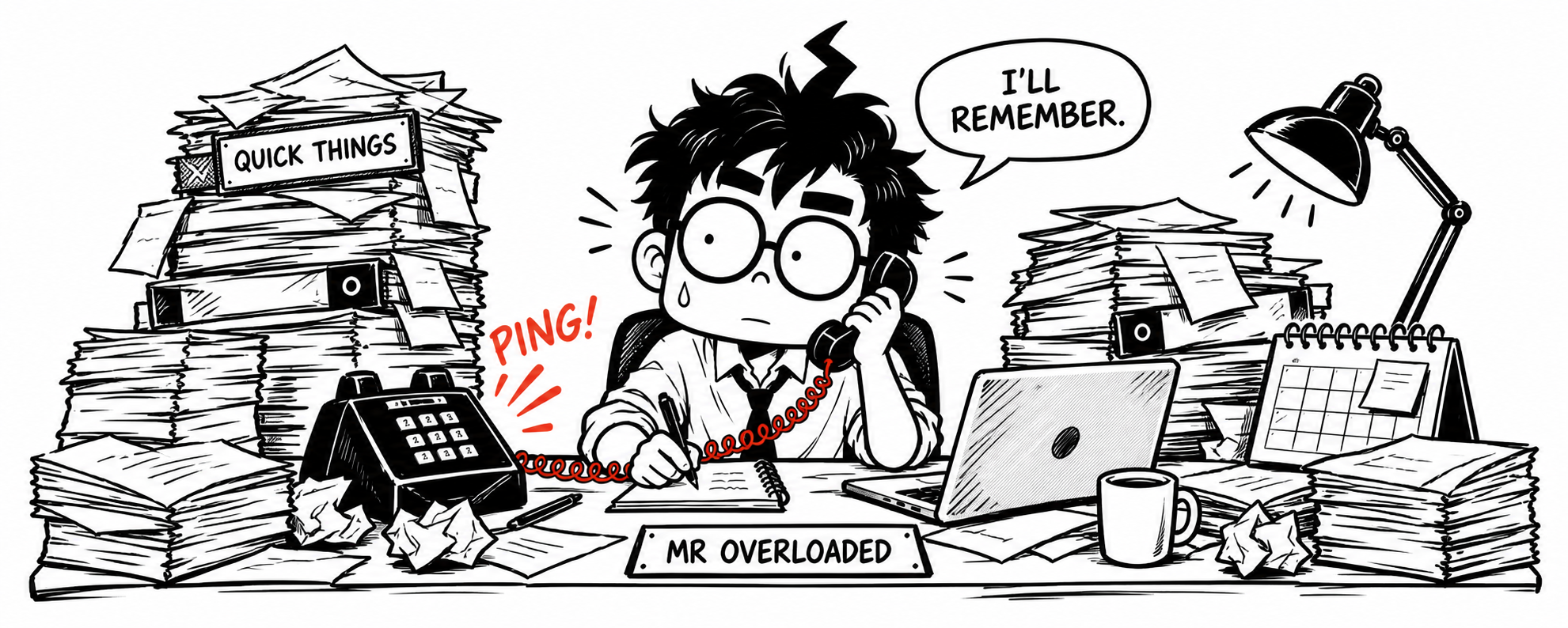
Mr Overloaded, a cartoon manager with glasses, handles a call behind a crowded tabletop. He says, ‘I’ll remember.’ Complete stacks of files surround him, his quick-things tray is overflowing, and the phone keeps ringing.

AN EVERYDAY EXAMPLE

The work behind “Let me check.”

MAYA ASKS

“Can we deliver on Friday?”

YOU REPLY“Let me check.”

  1. THE PLAN · YOUR NOTE

    Friday delivery.

    Approval needed by Wednesday.

  2. THE CHANGE · A MESSAGE

    Approval delayed.

    Now expected Thursday.

  3. YOUR NEXT STEP

    Check with the team.

    Can they still deliver on Friday?

WITH OFFSCRIPT

Your notes and updates, together.

Read a suggested reply
Approval is now expected Thursday. I’ll check with the team before confirming Friday’s delivery.

A draft to review. Nothing is sent.

Meet Mr Overloaded

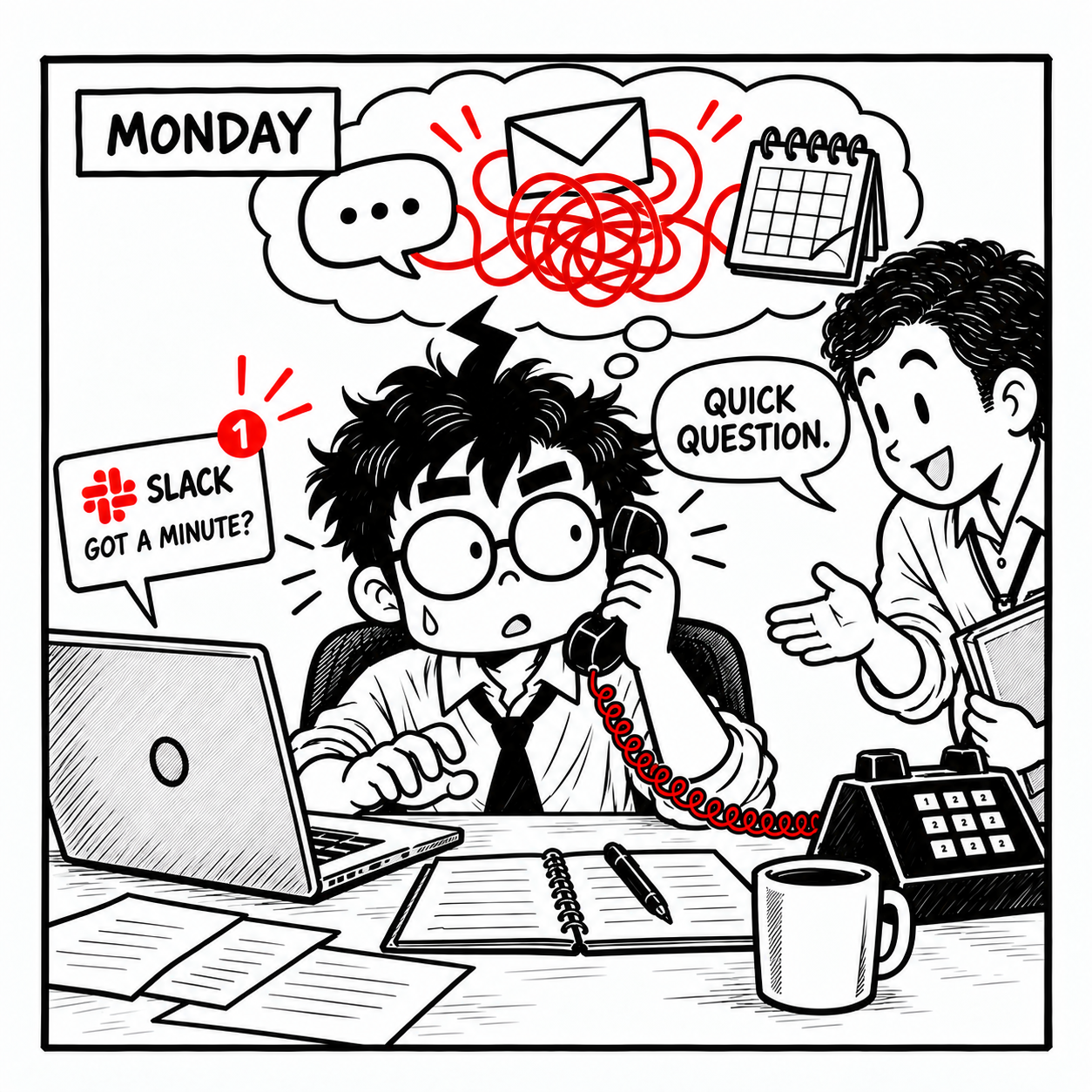
Monday: Mr Overloaded handles a phone call, a Slack message asking ‘Got a minute?’ and a colleague’s ‘Quick question.’ Chat, email and calendar icons tangle in a red ribbon above him.
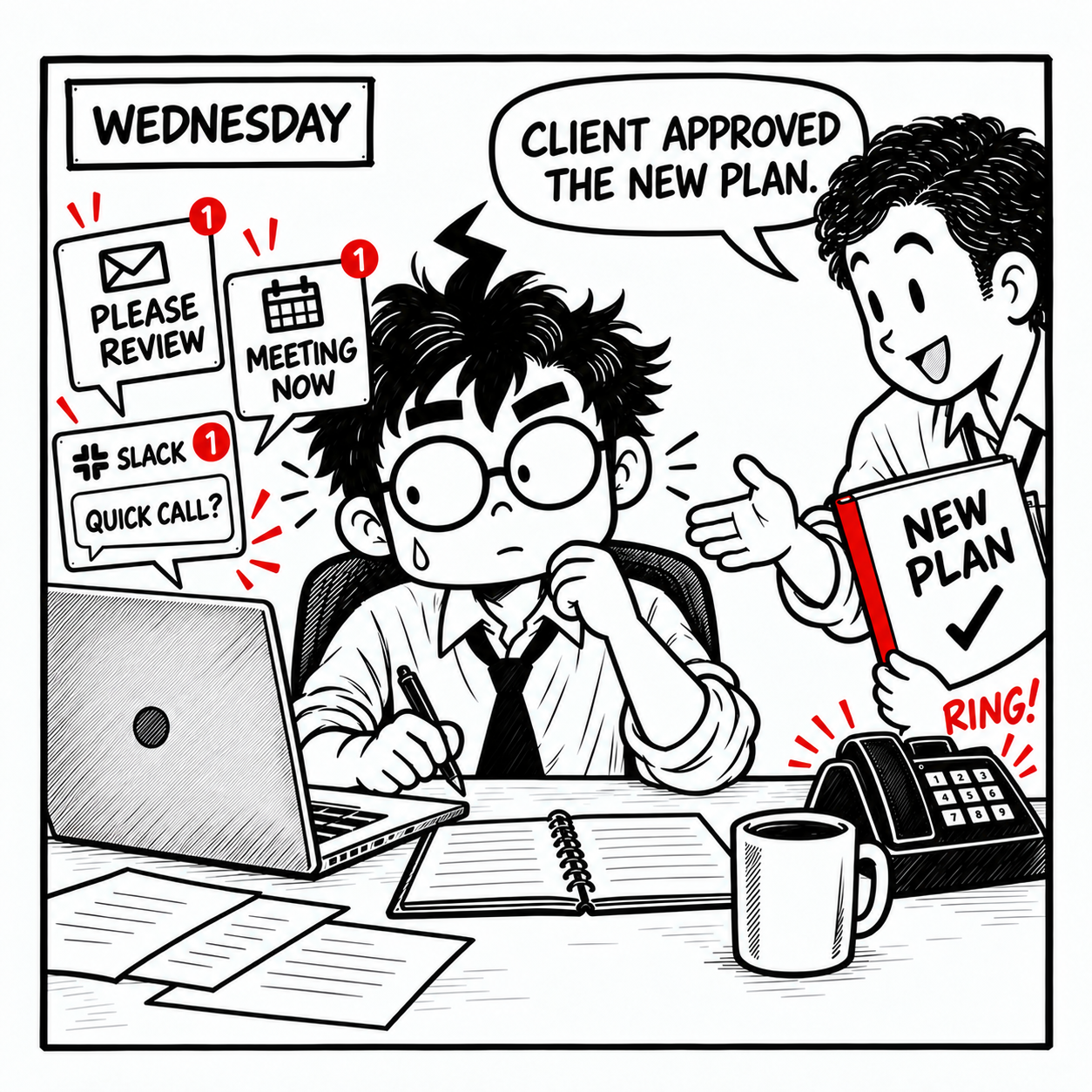
Wednesday: a colleague says, ‘Client approved the new plan,’ while Slack, email, a meeting reminder and a ringing phone compete for Mr Overloaded’s attention.
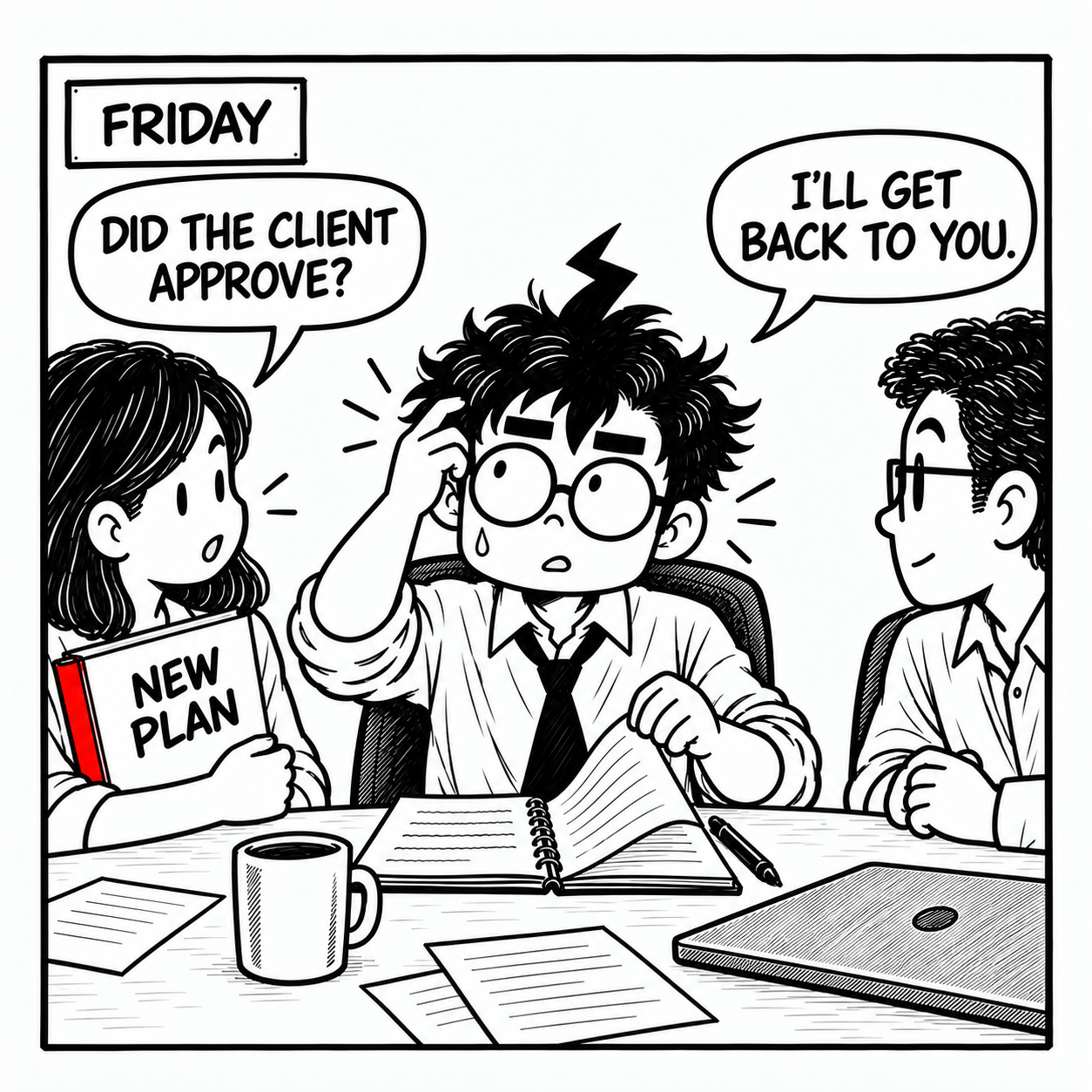
Friday: a teammate holding the same red-edged New Plan folder asks, ‘Did the client approve?’ Mr Overloaded searches his notes and replies, ‘I’ll get back to you.’

BY FRIDAY

You heard it.
Now you can’t find it.

The client approved the plan on Wednesday. Finding that update again shouldn’t take so much effort.

See how Offscript helps

You don’t have to
remember it all.

Offscript helps you find what was said, so you can answer with confidence.

Meet Mr G.O.A.Ted

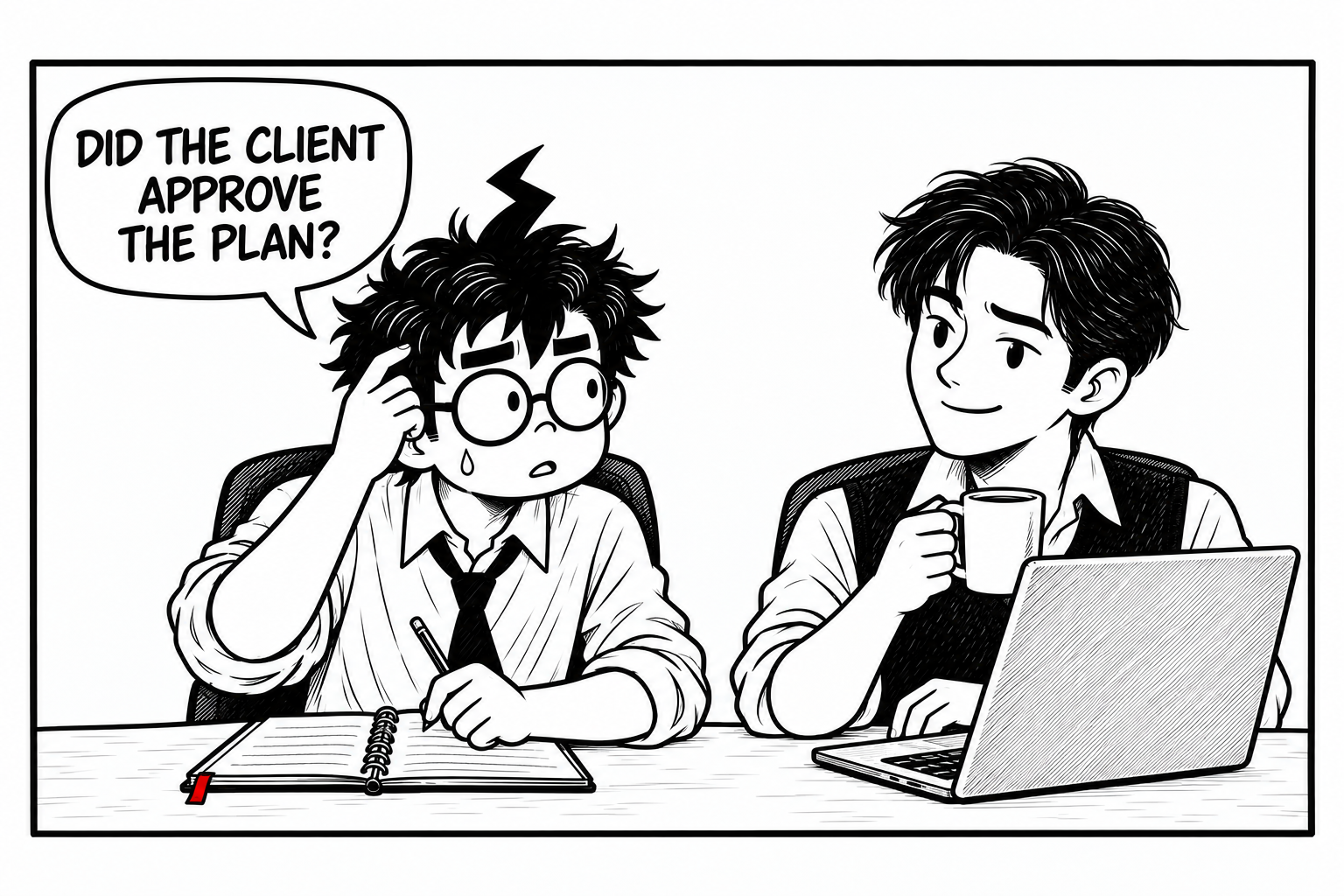
Mr Overloaded searches his notebook and asks, ‘Did the client approve the plan?’ His young colleague, Mr G.O.A.Ted, listens calmly with a coffee beside his laptop.
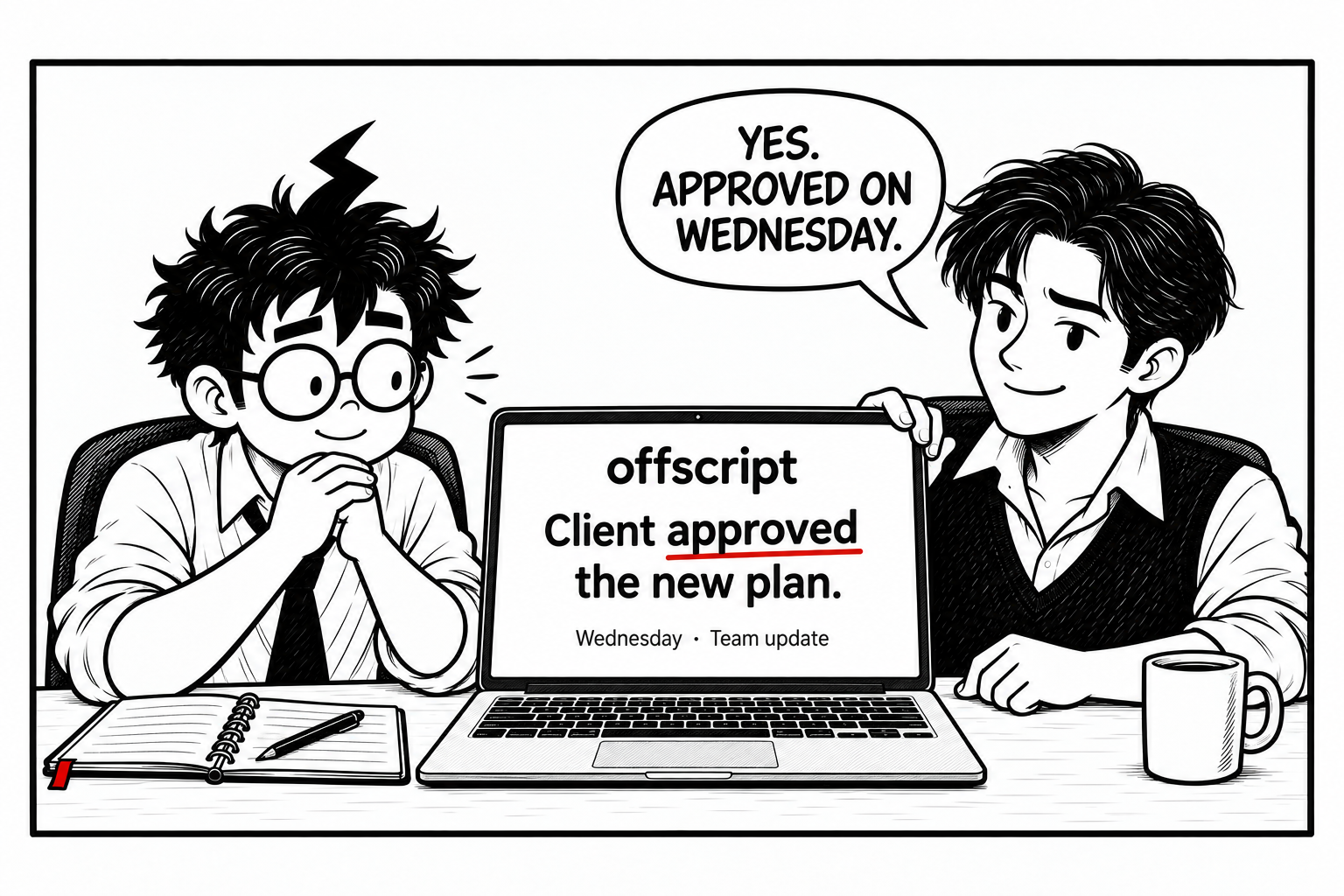
Mr G.O.A.Ted says, ‘Yes. Approved on Wednesday.’ He turns his laptop to show Offscript on-screen: ‘Client approved the new plan. Wednesday · Team update.’ Mr Overloaded looks relieved.

Another example: a proposal you promised to send.

See the example
offscript Example scenario

Due today

The proposal needs
updated prices.

You promised to send the proposal today. Maya later said the prices had changed.

YOUR NEXT STEP

Ask Maya for the updated prices.

Check them before sending the proposal.

Two updates to review.

Open each source to read the original words.

09:10 Morning meetingThe promise

Mr Overloaded · proposal discussion

“I’ll send it today.”
11:45 Later messageWhat changed

Maya · proposal update

“The prices changed.”

Maya didn’t include the new prices.

Read a suggested reply
Hi Maya, could you send me the updated prices? I’ll add them to the proposal before sending it today.

A draft to review. Nothing is sent.

Mr Overloaded, looking relieved, returns to his laptop to follow up.

Mr Overloaded, a moment later

“Right. I’ll ask
for the prices.”

One follow-up.
Then back to the proposal.

Your turn.

Mr Overloaded looks up from his work and offers you a red pencil. His notebook, laptop, and papers are still on the desk, with a little room to begin.
What would make your workday better?

Turn an idea into a plan.

Save an idea as a note. Return to it later, add details, and work out your first step with Offscript.

Keep track of what you promised.

See what you promised, when it is due, and which replies you’re waiting for. Offscript keeps the relevant people, dates, and notes together.

Be ready for the next conversation.

Review earlier notes, decisions, and updates before a meeting or reply. Start with the details you need.

Start with one note.

Download Offscript, sign in, and save a note.
Connect your calendar or Slack when you’re ready.

Download for Mac

Free plan · No credit card required

Pricing · USD

Start free.
Upgrade when ready.

Every plan includes the same features. Choose a paid plan in the app if you need more recording time.

Prices shown are in US dollars (USD). Paid plans renew monthly.

Cancel or change your plan anytime.

Good
questions.

Can’t find your answer?
Talk to the team

Which computers does it work on?

Offscript works on Mac computers with Apple Silicon or Intel processors. Find the right installer on the download page. Using Windows? Ask about Windows availability.

What is Offscript, and what can I use it for?

Offscript helps you save ideas, track work commitments, and find relevant notes and updates. Use it to prepare for meetings, plan your next step, or draft a reply.

Do I have to connect all my accounts?

No. You can start with a voice note, then connect your calendar or Slack when you’re ready.

Will it send messages without me?

No. When sending is supported, you review the recipient and message, then confirm before it is sent.

Where is my data processed?

Offscript uses cloud services to turn audio into text and process information. You choose what to record and connect. The privacy policy explains how your data is handled and how to export or delete it.

Can I cancel or change my plan?

Yes. Open Settings in the app to change or cancel your plan. Cancellation stops the next renewal; paid access continues until your current billing period ends. Check the in-app terms before buying extra credits. Read the billing terms for details.